
Container haulage article
Paperwork Status Dashboard for Freight Teams: 4–12 Month Payback
Operations focused guide for freight teams to deploy a paperwork status dashboard with human review, four KPIs to prove value and ROI.
A paperwork status dashboard is a single screen that shows whether every document needed to move a container, from bill of lading to customs release, is present, correct and approved. Get this right and turnaround times drop because nobody is chasing an inbox to find out if a release note has landed. For forwarders, importers and hauliers juggling dozens of live shipments, it replaces guesswork with a live, role-specific view of exactly what’s missing and who’s holding it up.
TL;DR:
- Automating at least 70 to 75% of document extraction can significantly reduce manual handling and improve container turnaround times.
- Tracking key documents like bills of lading, customs declarations, and proof of delivery ensures compliance and minimizes delays caused by missing or incorrect paperwork.
- Using color codes such as ready, pending, flagged, and overdue helps identify issues quickly and prioritize human review for exceptions.
- Effective dashboards must integrate data from email, APIs, and driver apps, with proper validation and amendment handling to maintain accuracy.
- Starting with high-volume documents and a focused trade lane during rollout reduces complexity and increases the likelihood of successful adoption.
Table of Contents
- What does a paperwork status dashboard actually show?
- Which documents does the dashboard need to track for container moves?
- How do dashboards get and check document data?
- What KPIs prove a paperwork dashboard is working?
- How do you roll out a paperwork status dashboard without breaking things?
- Is a paperwork dashboard actually worth the investment?
- What I’ve learned watching these rollouts succeed or stall
- How Haulier.AI gives you real-time paperwork status without the guesswork
- Sources
- FAQ
What does a paperwork status dashboard actually show?
The best dashboards work at two levels: the whole shipment and the individual document. A shipment-level timeline shows where a container sits in the process, booked, in transit, at port, customs cleared, delivered, while a per-document checklist beneath it records who owns each file and when it last changed status.
Status is usually colour-coded, and the labels matter more than they sound: ready means the document is present and validated, pending means it’s expected but not yet in, flagged means something doesn’t match (a weight discrepancy, a mismatched container number), and overdue means a deadline has passed with no resolution. That distinction between “pending” and “flagged” is where most manual systems fall apart, because a spreadsheet treats both the same way.
Alerts should fire on specific triggers, not generic reminders:
- A mandatory document missing within a set window of vessel arrival
- A low-confidence data extraction that needs human sign-off before it’s marked ready
- A customs pre-arrival deadline approaching with an unmatched MRN
- An amended bill of lading that hasn’t been reconciled against the original
A haulier’s view will emphasise CMR notes and delivery windows; a forwarder’s view leans towards customs status and invoice readiness; a customs broker wants declaration references front and centre. One dataset, three different priorities.
Which documents does the dashboard need to track for container moves?
Container shipments generate a predictable stack of paperwork, and a dashboard earns its keep by tracking each one through to approval rather than just confirming it exists.
- Bill of lading, including any amendments, since a corrected B/L that hasn’t been re-verified is a common cause of release delays.
- Commercial invoice and packing list, checked against the declared goods and container contents.
- Customs declarations, tracked by MRN and LRN reference, alongside any other clearance approvals the transit regime requires.
- CMR road consignment notes for the onward road leg, plus TiR or ATA carnets where the movement crosses into those regimes.
- Terminal and container release documents, confirming the box is cleared to leave the port or depot.
- Insurance certificates and certificates of origin, both of which customs authorities can request without warning.
- Proof of delivery, closing the loop once the container reaches its destination.
Gov sets out the vehicle and driver paperwork, including operator licence discs and TiR approvals, that a haulier must carry regardless of what the dashboard shows. Separately, its guidance for drivers confirms which documents, including the CMR note and transit references, apply depending on the regime. A dashboard that tracks status against both sets, commercial and regulatory, closes the gap between “the paperwork exists” and “the paperwork is legally sufficient.”
How do dashboards get and check document data?
Data has to come from somewhere, and most operations are still running documents through email, PDFs and driver phone photos. A working dashboard pulls from several sources at once: monitored mailboxes that catch attachments automatically, TMS or ERP integrations via API, carrier and terminal arrival feeds, and driver apps that let a photo of a POD land in the system within minutes of delivery.
The extraction side runs on a fairly standard pipeline: classify the document type, extract the relevant fields, validate them against the shipment record, and attach a confidence score. Anything below the threshold gets routed to a person instead of being marked ready automatically. That queue, not the extraction itself, is where accuracy actually gets protected.
- REST APIs and webhooks push status changes into the TMS in near real time
- Middleware handles field mapping so a “consignee” in one system matches a “receiver” in another
- Side-by-side document review lets a human compare the extracted data against the original scan
- Amendment handling flags when a corrected document supersedes one already marked ready
Pro Tip: Ask any vendor how their exception queue is designed, not just how accurate the extraction is. A system with 90% first-pass accuracy but a clumsy review screen will cost you more reviewer time than one at 80% with a fast, well-built queue.
No extraction engine catches everything. Handwritten amendments, unusual carrier formats and multi-language documents still need a person to make the final call, which is exactly why the queue exists rather than a blanket auto-approve.
What KPIs prove a paperwork dashboard is working?
The case for a dashboard rests on numbers you can actually measure, not a vague sense that things feel smoother.
Four KPIs matter most: time to customs clearance, time from vessel arrival to proof of delivery, the document exception rate (the share of documents that need human review), and the automated extraction rate (the share correctly processed without intervention).
Manual, fragmented documentation workflows can add two to four days to port turnaround, while pre-arrival digital validation can cut that clearance window from days down to hours.
Set expectations conservatively. The real payoff isn’t just speed, it’s risk. A declaration caught as flagged before the vessel arrives is a declaration that doesn’t turn into a customs detention, and detentions are where demurrage charges start eating into margin.
- Time to customs clearance (days, trending towards hours with pre-arrival checks)
- Time from arrival to POD
- Document exception rate (percentage requiring manual review)
- Automated extraction rate (percentage processed without intervention)
Haulier’s own logistics KPI dashboard guide breaks these down further for operations teams building their first measurement framework.
How do you roll out a paperwork status dashboard without breaking things?
Start narrow. The most common failure is scoping a pilot across every document type and every lane at once, which multiplies the number of edge cases before anyone has learned what a normal exception looks like.
- Audit current workflows first, mapping exactly which inboxes, portals and spreadsheets documents move through today.
- Pick a pilot scope built around your highest-volume document type, usually the commercial invoice or the CMR note, and measure the exception rate before expanding.
- Assign owners and SLAs for every document type, including who escalates a flagged item and within what window.
- Set confidence thresholds for automatic approval versus human review, and test how amendments get reconciled before going live.
- Train the team and roll out in phases, defining success criteria (exception rate, time saved) before adding the next lane.
Pro Tip: Run the pilot on one trade lane for four to six weeks before expanding. You’ll learn more from 200 real exceptions on one route than from 2,000 spread thinly across ten.
Is a paperwork dashboard actually worth the investment?
Building the business case is simpler than it sounds. Start with your current labour cost: document volume per month, multiplied by average handling time per document, multiplied by your loaded hourly rate. That’s the number automation is competing against.
Apply a conservative automation rate of 70 to 75%, rather than assuming near-total coverage, and add back the cost of reviewing exceptions, because that time doesn’t disappear, it just shrinks. Mirage Metrics’ guidance on building the ROI case recommends separating direct savings (fewer hours on manual entry) from indirect savings (fewer customs delays, faster invoicing) and treating the indirect side more cautiously.
- Direct savings: labour hours reclaimed from manual data entry and chasing documents
- Indirect savings: fewer customs holds, faster time-to-invoice, reduced demurrage exposure
- Typical payback: four to twelve months depending on shipment volume and how many document types you automate first
Smaller operators moving a few hundred containers a month should expect payback towards the longer end of that range; high-volume operators clear it faster simply because the same fixed setup cost gets spread across more transactions.
What I’ve learned watching these rollouts succeed or stall
The failure pattern is almost always the same: teams try to digitise every document type in month one, and the exception queue drowns before anyone trusts the system enough to rely on it. Start with the highest-volume document, get the field mapping right, and build amendment handling in from day one, because corrected bills of lading and re-issued declarations are where sloppy systems quietly lose accuracy.
The technology is rarely the blocker. Adoption is. A dashboard only works if hauliers, brokers and port contacts actually use it instead of falling back to email the moment something looks unusual, and that only happens when the exception queue respects their time.
— Vytautas
How Haulier.AI gives you real-time paperwork status without the guesswork
Haulier centralises quoting, status updates and document tracking into a human-backed transport desk, so container paperwork doesn’t just sit in an inbox waiting for someone to notice it’s overdue.
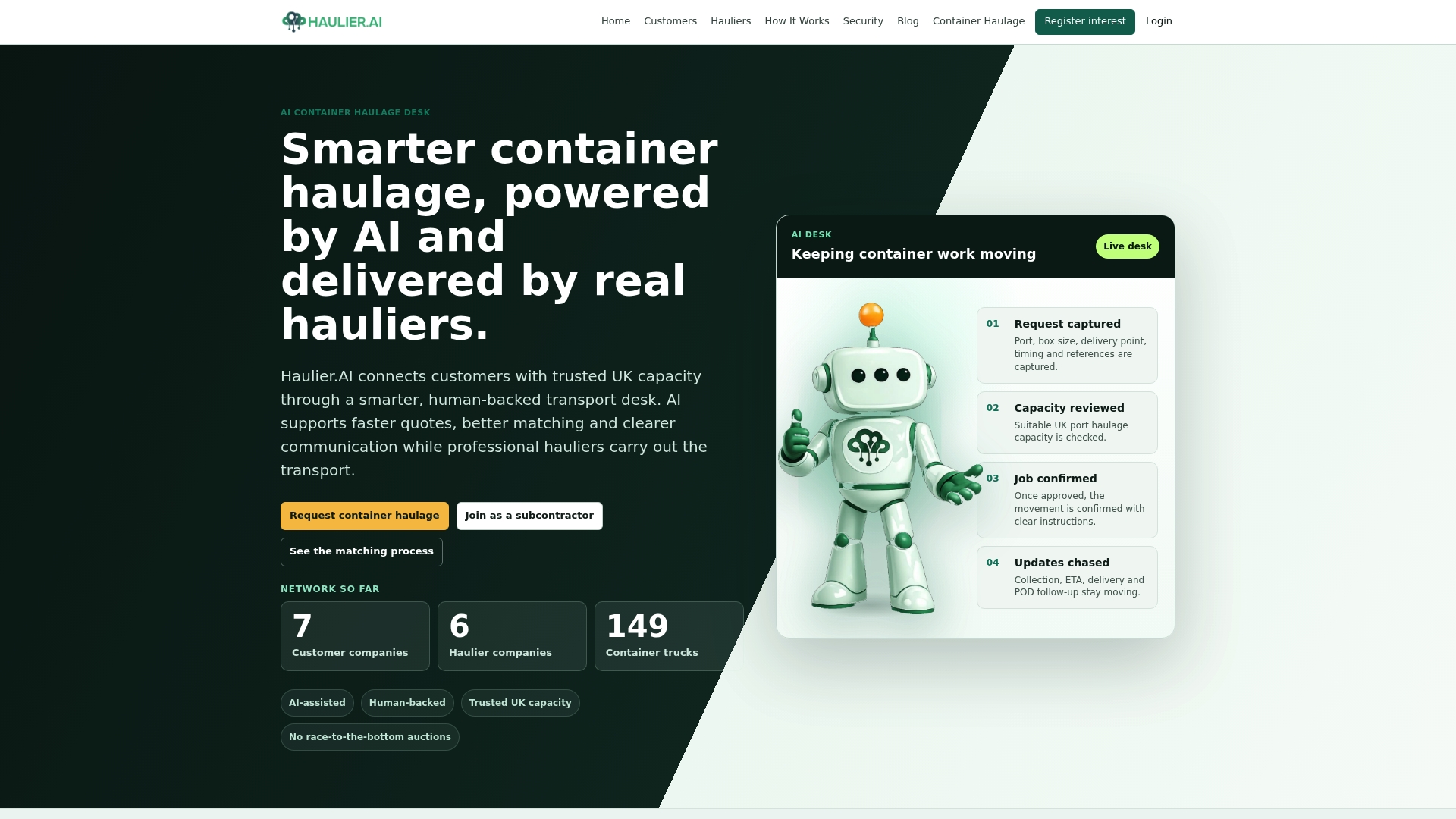
The AI handles the routine extraction and matching, but every flagged exception goes to a real person before anything gets marked ready, which is the Haulier. That combination is designed to cut the missed updates and paperwork delays that plague traditional freight desks, and Haulier’s proof-of-delivery insights show how much faster invoicing moves when a POD lands in the system the moment a container is delivered rather than days later.
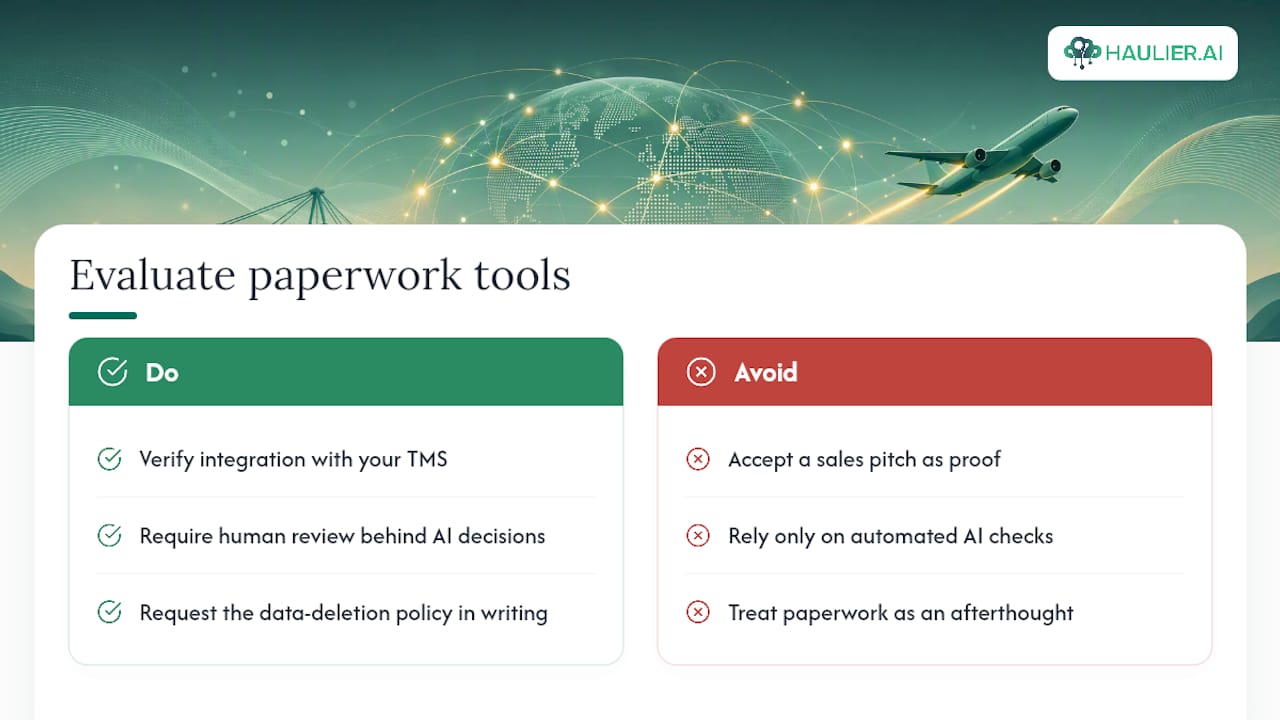
If you’re evaluating any paperwork tool, not just Haulier’s, check three things: how well it integrates with your existing TMS, whether human review sits behind every AI decision, and what its data privacy policy says about deleting your account and shipment data on request. On that last point, ask to see the policy directly rather than taking a sales pitch at face value.
Ready to see it working on a live lane? Request container haulage through Haulier and get a transport desk that tracks your paperwork status alongside your booking, not as an afterthought.
Sources
- Gov
- Why Global Shipping Is Still Running on Fax Machines and Excel — Clear Passage Ep. 6
- AI Freight Document Processing: ROI in 4-7 Months | Mirage Metrics
FAQ
What is a paperwork status dashboard?
It’s a live screen showing the completion and approval status of every document needed for a container movement, flagging missing, pending or flagged items before they cause delays.
Which documents should a container paperwork dashboard track?
At minimum: bills of lading and amendments, commercial invoices, packing lists, customs declarations (MRN/LRN), CMR notes, terminal release documents, insurance certificates and proof of delivery.
How does AI help with paperwork tracking?
AI classifies documents, extracts key fields and attaches a confidence score, routing anything uncertain to a human reviewer rather than approving it automatically.
What automation rate should I expect in year one?
Most operators should plan for 70 to 75% automated extraction in the first year, with the remainder handled through an exception queue.
Does Haulier.AI offer a paperwork status dashboard?
Haulier.AI tracks document status alongside quoting and transport updates on a single desk, with human oversight on every flagged exception before it’s marked ready.