
Container haulage article
How to complete the haulier onboarding process in 2026
Successfully navigate the haulier onboarding process in 2026 by following five essential steps for quick verification and job bidding.
To start bidding on container jobs through Haulier.AI, you need to complete five core steps: create a company account, submit your Gov (VOL), upload vehicle and driver documents, confirm your EORI and GVMS/GMR readiness for any international work, and set your rates and job preferences. Most operators clear verification within one to three working days for domestic-only profiles; international work adds customs credential checks that can extend that to five to ten working days.
Key takeaways
Completing the haulier onboarding process on Haulier.AI requires five verified elements: operator licence evidence, current vehicle documents, driver credentials, customs readiness, and configured rates.
| Point | Details |
|---|---|
| Operator licence is the gate | VOL evidence must match your CRN exactly; mismatches are the most common single cause of delay. |
| Vehicle docs must be current | V5C or VE103, valid MOT, and hire-or-reward insurance are required for every listed vehicle. |
| EORI and GVMS unlock port work | Without a GB EORI and confirmed GVMS access, international container jobs will not be matched to your profile. |
| Rate setup determines match quality | Set a floor rate, port supplement, and geographic coverage before going live to avoid irrelevant offers. |
| Haulier.AI speeds verification | Human-backed checks and a two-sided model mean verified operators retain rate control and receive priority job matching. |
Table of Contents
- What documents do you need before registering?
- How does the haulier onboarding process work, step by step?
- How do you list vehicles and trailers correctly?
- Are you ready for port and customs work?
- How should you set your rates and job preferences?
- What delays verification, and how do you fix it?
- How do you win jobs and manage them well?
- How does Haulier.AI verify and match you to jobs?
- The part most operators get wrong
- Get verified and start receiving container jobs
- Sources
- FAQ
What documents do you need before registering?
Gathering everything before you open the registration form saves at least one round-trip with the verification team. Below is the full checklist.
Operator licence and identity
- Goods vehicle operator’s licence number and a clear screenshot or PDF from the VOL self-service portal
- Operator licence disc copies (vehicle-specific, where issued)
- Company registration number (CRN) from Companies House
- VAT registration number if applicable
- Authorised signatory proof (director ID or letter of authority)
Vehicle and trailer documents
- V5C (logbook) for each vehicle, or a VE103 for vehicles driven abroad for under 12 months; both are valid for international journeys
- Current MOT certificates
- Vehicle insurance certificate (hire or reward cover)
- Trailer registration certificate where required (commercial trailers over 750 kg need registration for many EU routes)
Driver documents
- Driving licence category confirmation (Category C or C+E)
- Driver CPC qualification card
- Passport or national ID for international work
Customs credentials
- GB EORI number (or XI EORI for Northern Ireland operations)
- Evidence of GVMS access or your customs agent’s details
- GMR capability confirmation
Pro Tip: Scan every document at 300 dpi minimum, name files clearly (e.g. “VOL_CompanyName_2026.pdf”), and include visible expiry dates. Blurry or cropped scans are the single most common cause of first-round rejection.
How does the haulier onboarding process work, step by step?
The registration flow on Haulier.AI follows a logical sequence. Each step feeds the next, so skipping ahead tends to create holds rather than save time.
-
Create your account. Enter your company name, nominated contact, and authorised signatory details. Use the legal company name exactly as it appears on your CRN to avoid a mismatch at verification.
-
Submit company verification. Upload your operator licence evidence (VOL licence number plus a screenshot) and your CRN. If you hold a standard international licence, note that this also covers UK hire-or-reward operations and qualifies you for a UK Licence for the Community.
-
Upload vehicle and driver documents. Add V5Cs or VE103s, MOT certificates, insurance, and Driver CPC cards. The platform accepts PDF and JPEG; keep files under 10 MB each. Name them by document type and registration mark so the verification team can match them instantly.
-
List your vehicles and trailers. Enter each registration mark, make, model, and gross vehicle weight. For trailers, include the registration number and, if third-party owned, the owner’s name and your written agreement covering inspection frequency.
-
Confirm customs and port readiness. Add your GB EORI, indicate whether you have GVMS access, and select the ports and routes you cover. This step determines which international container jobs you appear for.
-
Set rates and job preferences. Enter your minimum charge, base mileage rate, port-handling allowances, and geographic coverage. You can also set maximum dead-mileage thresholds and pre-authorise or exclude specific equipment types.
-
Await verification and badge confirmation. Automated checks run first (file format, identity, CRN match). Human moderators review VOL evidence and any third-party trailer documentation. Once cleared, your profile receives a verification badge that affects your visibility in job matching.
Pro Tip: Upload your operator licence and V5Cs first. Those two trigger the automated identity check, which clears fastest. Customs credentials and trailer documents can follow while that check runs in parallel.
How do you list vehicles and trailers correctly?
Vehicle listing is where many operators lose time because they treat it as a data-entry formality rather than a compliance step.
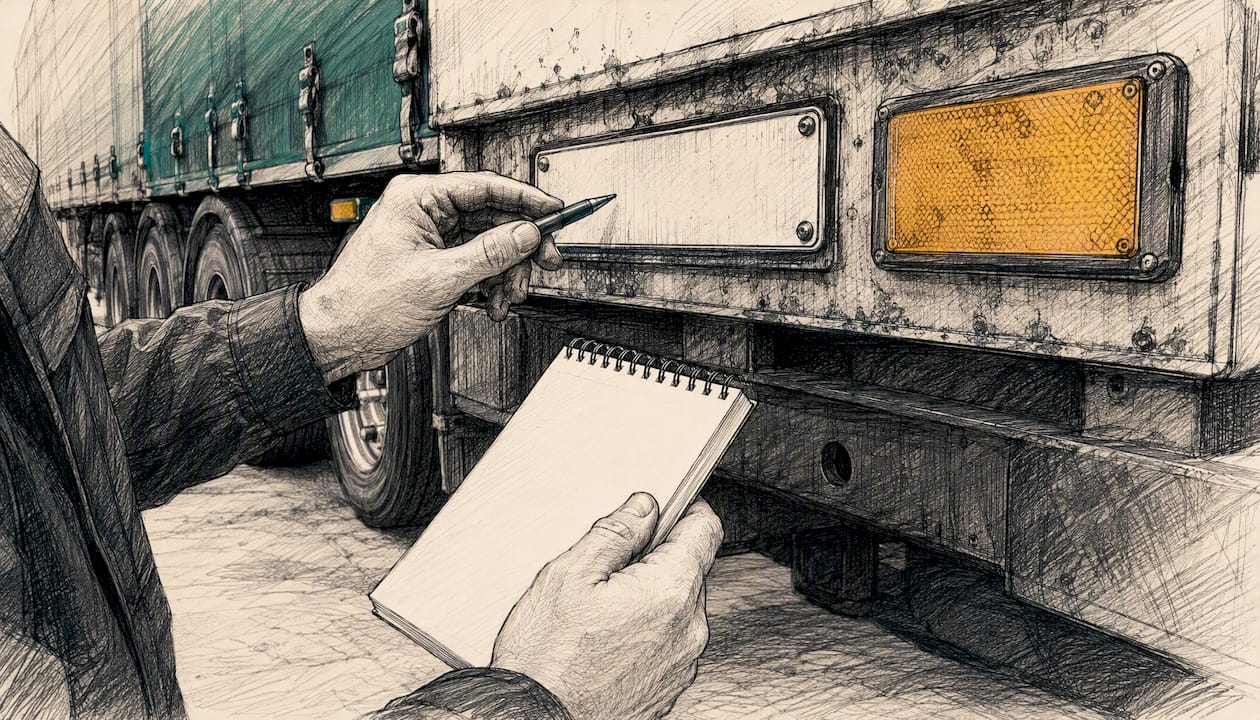
For each vehicle, complete the registration mark, make, model, gross vehicle weight, and any specialist approvals (ADR, for example). For trailers, the platform needs the registration number and, where the trailer belongs to a third party, the owner’s identity and a copy of your written agreement specifying inspection frequency and defect-rectification responsibilities. The GOV.UK roadworthiness guide recommends a default 13-week maximum inspection interval for third-party trailers where no other frequency is agreed.
Safety inspection records must show the operator name, ISO week, inspector identity, vehicle identity, and details of any remedial work. Electronic records are acceptable provided they carry a clear audit trail from inspection through to sign-off. EBPMS brake-test reports, where fitted, can be uploaded alongside routine inspection logs.
Pro Tip: Store inspection logs with the file name format “INSP_RegMark_ISOWeek_Year.pdf”. The platform creates an auditable trail that satisfies both Traffic Commissioner guidance and roadside check requirements.
Are you ready for port and customs work?
For any container move crossing between Great Britain and the EU, the marketplace will check three things before awarding you international jobs: your GB EORI, your GVMS/GMR status, and clarity on who lodges the Entry Summary Declaration (ENS).
- GB EORI: required for all international container work. Northern Ireland operators need an XI EORI for movements under the Windsor Framework.
- GVMS/GMR: hauliers must link all relevant TAD MRNs into a single Goods Movement Reference for each trailer movement. Drivers present the GMR at departure; an incomplete GMR blocks boarding.
- MRN: a valid Movement Reference Number proves the right to move goods under transit. Keep it accessible digitally; drivers must be able to present it on arrival.
- ENS responsibility: for accompanied RoRo (driver travels with the vehicle), the ferry operator typically lodges the ENS. For unaccompanied freight, the haulier or their customs agent is usually responsible. Your Haulier.AI profile captures which applies to you.
- Customs agent details: if a third-party agent handles your declarations, add their contact and authorisation details to your profile so references appear on time.
Pro Tip: Add your customs agent or freight forwarder as a named contact in your Haulier.AI profile. When the platform generates a booking confirmation, their details appear automatically, cutting the last-minute phone calls that cause port delays.
How should you set your rates and job preferences?
Rate configuration is the part most operators rush, then regret. The platform matches jobs partly on your stated preferences, so vague or incomplete settings produce irrelevant offers.
- Base rate: set a per-mile or per-job floor rate that covers fuel, driver time, and overheads before platform commission.
- Port-handling allowance: add a fixed supplement for port collection or delivery to cover waiting time and any chassis or shunt charges.
- Idle and detention time: specify your hourly rate for waiting beyond a free period. Without this, disputes are harder to resolve.
- Cross-border supplement: if you cover EU routes, add a flat supplement that accounts for customs delays, additional driver costs, and ferry charges.
- Minimum charge: set a floor below which no job is worth accepting, regardless of distance.
- Geographic coverage: define your operating area precisely. Overly broad coverage generates offers you will reject; too narrow and you miss nearby work.
- Dead mileage threshold: set the maximum empty-leg distance you will accept before a job becomes unprofitable.
- Equipment type: specify which container sizes and types you can handle (20 ft, 40 ft, high-cube, reefer).
A worked example: if your per-mile rate is £2.20 and a port run is 45 miles each way, your base is £198. Setting that as your minimum for port runs stops the platform matching you to jobs that would lose money.
What delays verification, and how do you fix it?
Automated checks clear within hours for most operators. Human moderation takes longer, and the reasons are almost always the same.
- Unclear scans: resubmit at 300 dpi, full page, no cropping of reference numbers or dates.
- Expired MOT or insurance: upload the current certificate; the platform flags documents within 30 days of expiry as well as expired ones.
- VOL mismatch: the name on your operator licence must match your CRN exactly. A trading name differs from a legal name; use the legal entity.
- Missing trailer authorisation: upload the written agreement with the trailer owner and confirm the inspection frequency.
- Incomplete customs credentials: add your EORI and GVMS status before submitting for international job matching.
Typical timelines: automated identity checks clear the same day. VOL and insurance validation usually takes one to three working days. Third-party trailer checks and manual customs-credential review can take three to ten working days if documents are incomplete.
Quick troubleshooting:
- My VOL number is rejected. Check you are entering the licence number, not the application reference. Both appear on VOL self-service.
- My trailer is flagged as unregistered. Commercial trailers over 750 kg need registration for international work; check the international haulage guidance and register via DVLA before resubmitting.
- My EORI is not recognised. Confirm it is a GB EORI (format: GB followed by your VAT number and 000). XI EORIs apply only to Northern Ireland movements.
How do you win jobs and manage them well?
Once verified, your behaviour on the platform shapes how often you get matched to good work.
- Respond to job offers within the platform’s response window. Slow responses push you down the matching queue.
- Keep vehicle availability updated daily. A vehicle listed as available but actually off-road wastes everyone’s time and damages your reliability score.
- Quote realistic ETAs. Optimistic estimates that lead to late arrivals generate disputes; accurate ones build a track record that attracts repeat bookings.
- For cancellations or detention claims, keep timestamped photos, digital PODs, and any written communication from the customer. Submit these through the platform’s dispute tool rather than by email.
- Pre-clear common port routes by confirming your GMR process with your customs agent before a job is booked, not after.
Pro Tip: Keep your safety inspection logs accessible on a mobile device. Port operators and Traffic Commissioner enforcement officers can request them roadside; having them instantly available avoids delays and demonstrates the kind of compliance that earns better job matches on the platform. For digital document scanning workflows, AI-assisted document tools can speed up the preparation of inspection records for upload.
For day-of-job preparation, the container transportation guide covers port-specific handling considerations worth reviewing before your first run.
How does Haulier.AI verify and match you to jobs?
Haulier.AI uses a two-stage verification model: automated checks run first, human review follows for documents that require judgement.
- Secure document upload: files are stored with encryption and access controls. The platform’s security model covers document handling, human oversight, and audit-trail requirements.
- Automated checks: file format validation, identity matching against CRN data, and expiry-date flagging run immediately on upload.
- Human moderation: VOL evidence, third-party trailer agreements, and edge-case insurance documents go to the transport desk team. Electronic safety-inspection records are accepted provided they show a clear audit trail from inspection to sign-off.
- Verification badge: once cleared, your profile displays a verification badge. Badged profiles receive priority in job matching and are visible to freight forwarders and importers searching for verified capacity.
- Haulier control: you set your rates, you accept or decline individual jobs, and you define your geographic and equipment preferences. The platform does not override those settings. This two-sided model means you only receive work that fits your operation.
The how it works page explains the matching logic and transport-desk model in detail.
The part most operators get wrong
The operators I see struggle most with platform onboarding are not the ones with complicated fleets. They are the ones who treat document preparation as an afterthought. They start the registration form, hit the VOL upload step, and realise their licence screenshot is three years old and the operating centre details have changed. That single gap can add a week to their verification.
The practical fix is straightforward: before you open any registration form, spend 20 minutes on the VOL self-service portal confirming your current licence details, then pull fresh copies of your two most recent MOT certificates and your insurance schedule. Those three items clear the automated checks that run first. Everything else, including customs credentials and trailer agreements, can follow while that initial check processes.
The other thing worth saying plainly: the two-sided model that Haulier.AI uses is genuinely different from being added to a load board. You are not just a name on a list. Your rates are yours, your job acceptance is yours, and the transport desk is there to handle the friction that normally falls on you. Getting onboarded properly is what makes that control meaningful.
Get verified and start receiving container jobs
Haulier.AI gives verified UK hauliers direct access to container jobs from freight forwarders and importers, without the phone-round and the paperwork chase that comes with traditional freight brokerage. Once your documents are uploaded and your rates are set, the transport desk matches you to relevant work and handles the communication layer between you and the customer.
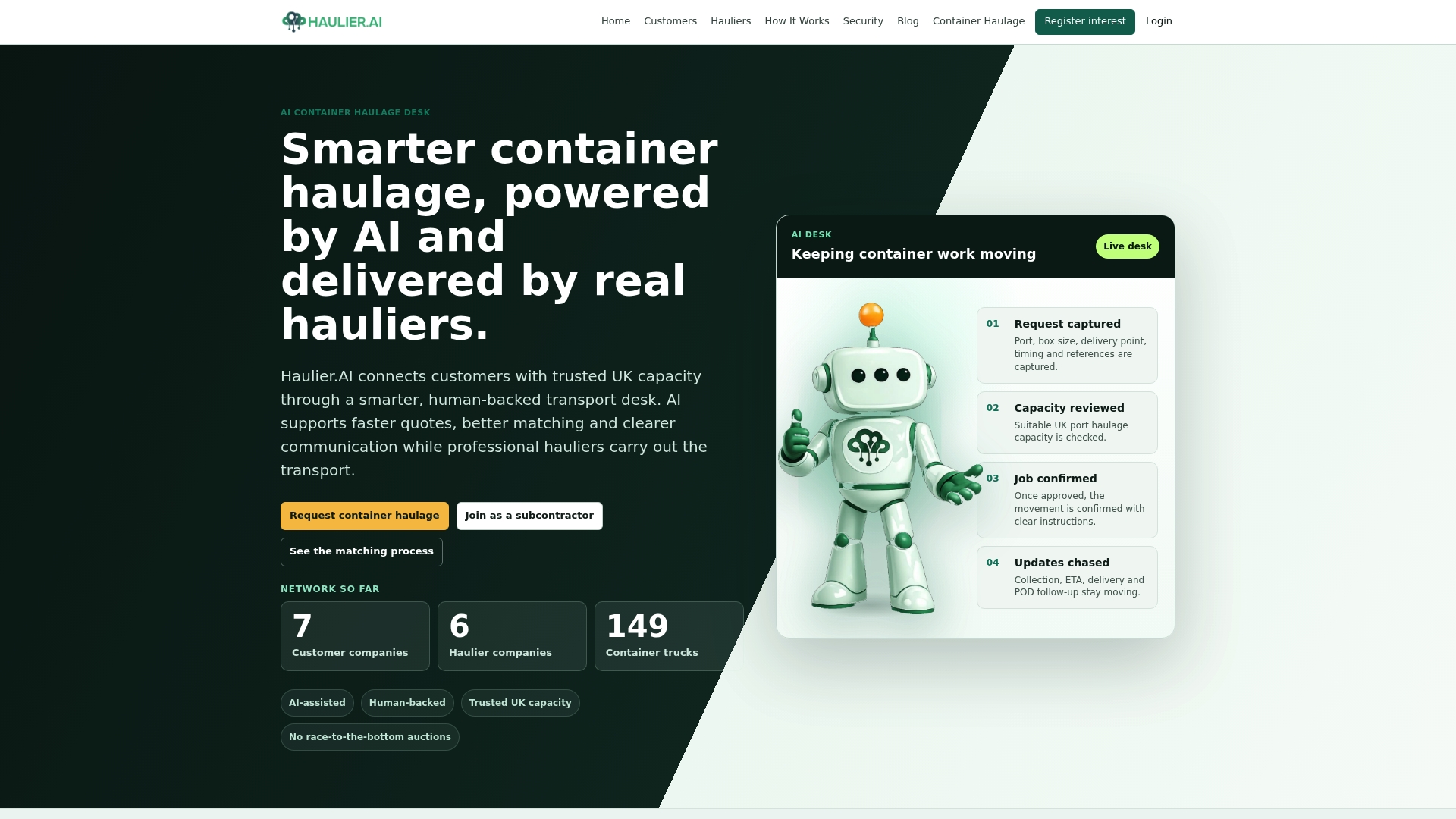
Verified operators receive priority matching, retain full control over rate-setting and job acceptance, and get human support from the transport desk when customs references or document queries arise. There is no obligation to accept every job offered, and no lock-in to a minimum volume.
To join the network, Haulier or visit the hauliers page to see what the onboarding process looks like from the inside. If you want to understand how the matching and transport-desk model works before committing, the container haulage service page covers it in full.
Sources
For customs declarations you are not handling in-house, consult a licensed customs agent or freight forwarder before completing the EORI/GVMS section of your profile.
FAQ
What documents does Haulier.AI require to verify a haulier?
At minimum: your operator licence number (from VOL), a V5C or VE103 for each vehicle, a current MOT certificate, hire-or-reward insurance, and Driver CPC cards. International work additionally requires a GB EORI and GVMS/GMR confirmation.
How long does haulier verification take?
Automated identity checks typically clear the same day. Full verification, including VOL and vehicle document review, usually takes one to three working days for domestic profiles and up to ten working days where third-party trailers or customs credentials require manual review.
What is a GMR and do I need one?
A Goods Movement Reference (GMR) is generated through GVMS and links all relevant MRNs for a trailer movement. Drivers must present it at departure for RoRo port runs between Great Britain and the EU. Without a valid GMR, boarding is refused.
Can I reject jobs after I am verified on Haulier.AI?
Yes. Haulier.AI operates a two-sided model where you set your rates and accept or decline individual jobs. Your geographic coverage, equipment preferences, and minimum charge settings filter which jobs reach you in the first place.
What if my operator licence details do not match my company registration?
This is the most common verification hold. The legal entity name on your operator licence must match your CRN exactly. If you trade under a different name, use the registered legal name for verification and note your trading name separately in your profile.